100% Free · Works in Your Browser
Free Video Editor
That Runs in Your Browser.
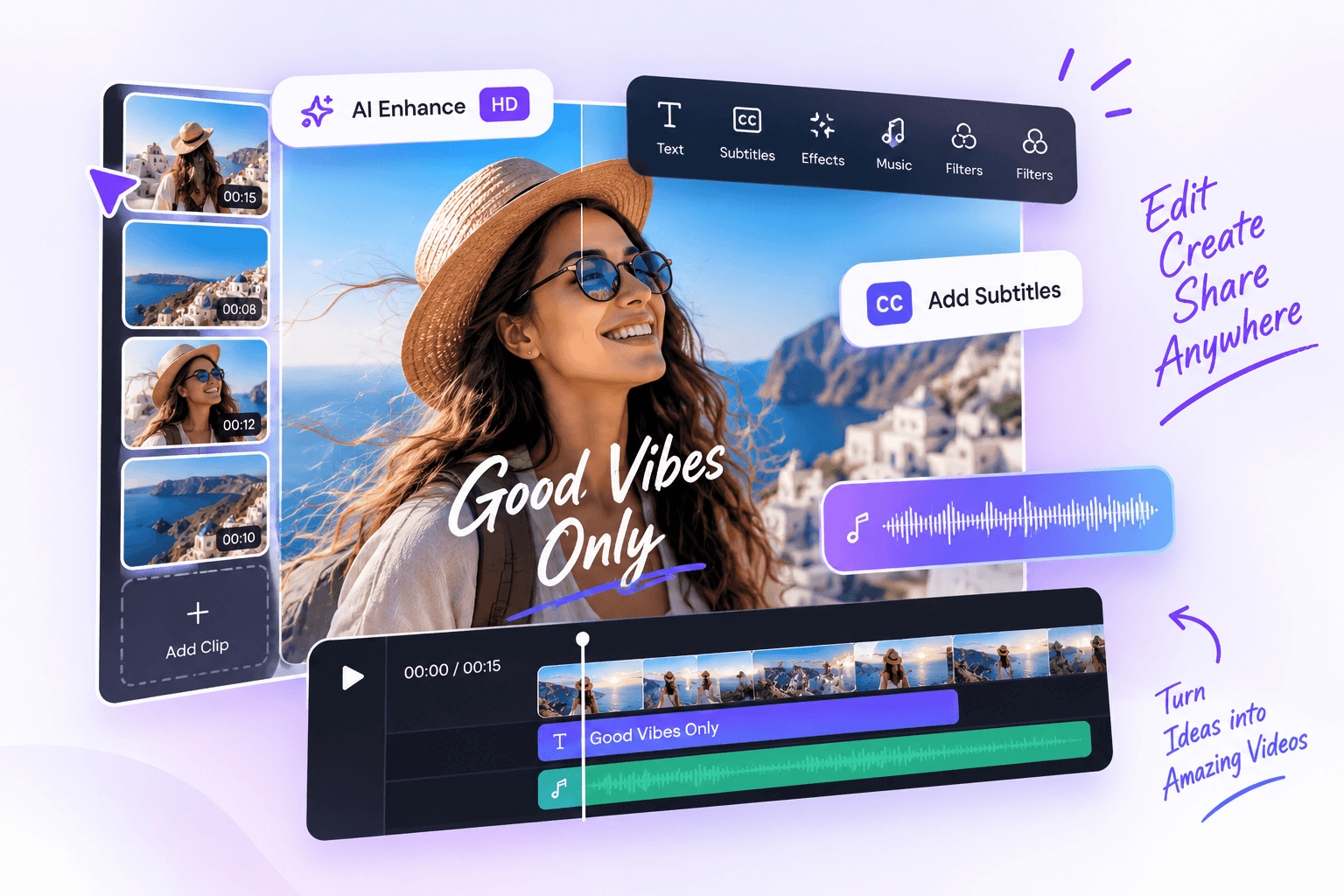
Trim, cut, merge, add text, subtitles, filters and more — no installation, no limits.
- No installation
- Your videos stay on your device
Create for Every Platform
Choose the right format and make your videos stand out on any social media.
 TikTok9:16
 Instagram Reels9:16
 YouTube Shorts9:16YouTube16:9
 Facebook1:1
 X (Twitter)16:9
 LinkedIn1:9
 Pinterest2:3
How It Works
Edit videos in 3 simple steps.
Upload
Add your video files from your device. Supports MP4, WebM, MOV and more.
Edit
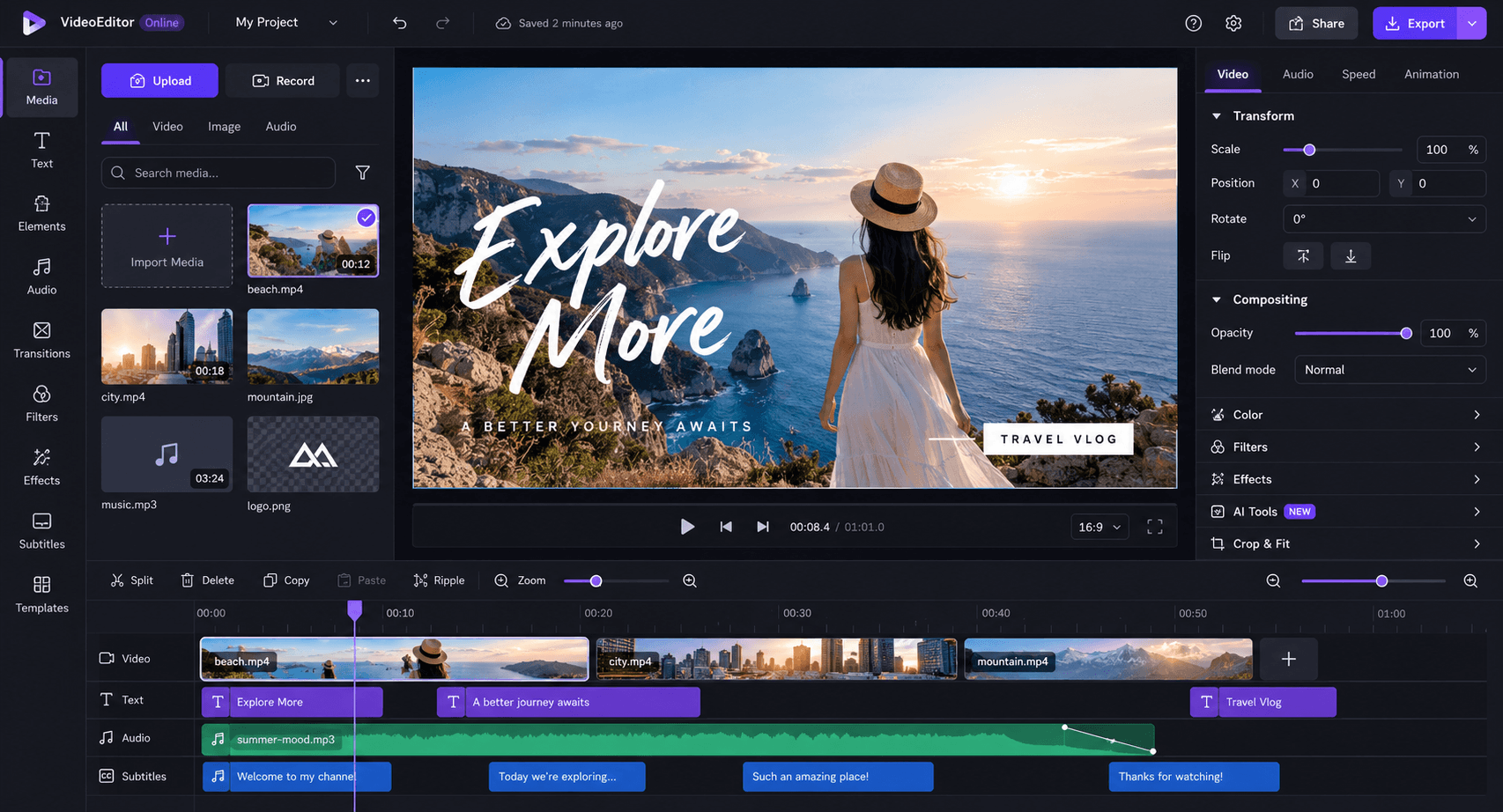
Trim, cut, add text, music, filters, transitions and subtitles — all in your browser.
Export
Choose your settings and download your video in HD instantly.
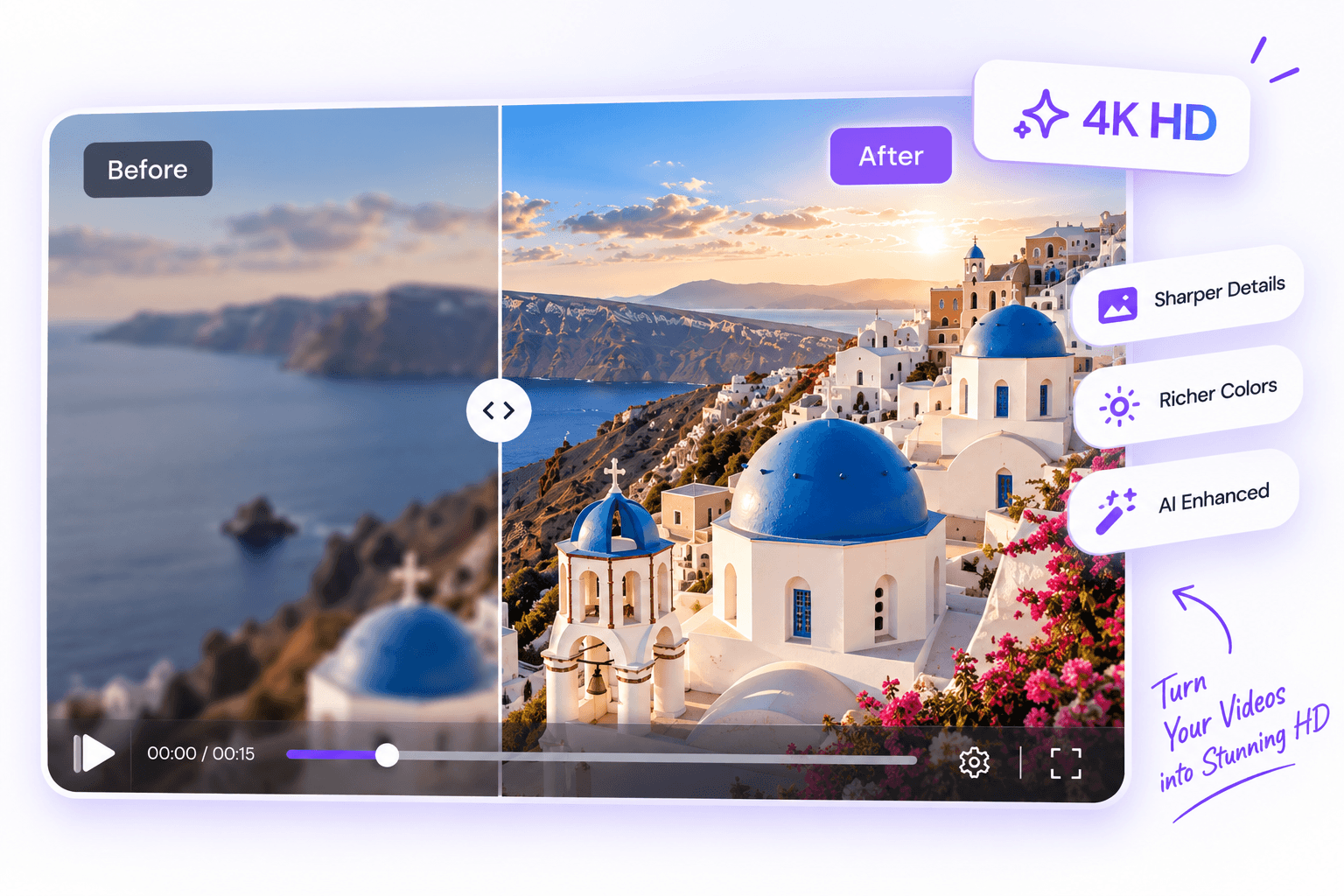
AI HD ExportPro
Enhance your video quality with AI. Get sharper details, clearer colors and more professional results.
- Higher resolution
- Sharper details
- Better clarity
- Perfect for social media
Start with a Template
Create amazing videos faster with ready-to-use templates.
100% Free
No hidden fees
Private & Secure
Your videos stay on your device
Fast & Powerful
Hardware accelerated
Frequently Asked Questions
View all FAQsIs VideoEditorOnline really free?
Yes. Editing in your browser is completely free — there is no subscription and no hidden paywall for core editing features.
Do I need to install any software?
No. The editor runs entirely in your browser — nothing to download or install, and it works on Windows, macOS and Linux.
What video formats are supported?
Common video formats like MP4, WebM and MOV, plus images (JPG, PNG) and audio (MP3, WAV) for music tracks.
Can I export videos in 1080p?
Yes. Export in 1080p, 720p or 480p — and pick MP4 or WebM depending on what your browser supports.
Can I add subtitles to my video?
Yes. Add subtitles manually, import SRT/VTT files, or style them with templates — all right on the timeline.
Is my video uploaded to a server?
No. Editing happens locally in your browser, so your footage is never uploaded and stays private on your device.
What is AI HD Export?
AI HD Export enhances your video quality — higher resolution, sharper details and better clarity, ready for social media.
Ready to edit your video?
Join thousands of creators and start making amazing videos today.
Start Editing FreeNo installation · 100% free